Hi Jon,
I did some further investigation and these are my findings
Custom Field column
The custom field dropdown contains all available keys found in the post_meta table for all post_types.
I looked again in our code and for Taxonomies we do something different specifically for ACF. We look for all available keys in the options table instead of the taxonomy_meta table (I did forgot about this). But since ACF 5.5.0 all values are stored in the termmeta table instead of the options table like I said earlier. In fact this is great, because this means that when we support termmeta in our custom field column, this should work for both the native WordPress termmeta and ACF taxonomy fields. We can even have a look on supporting sorting and filtering for Taxonomy columns.
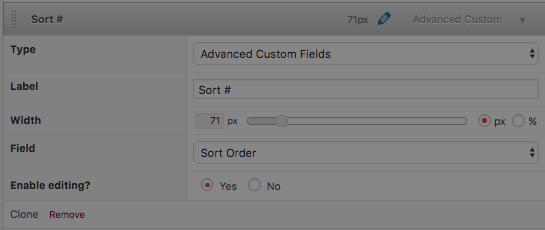
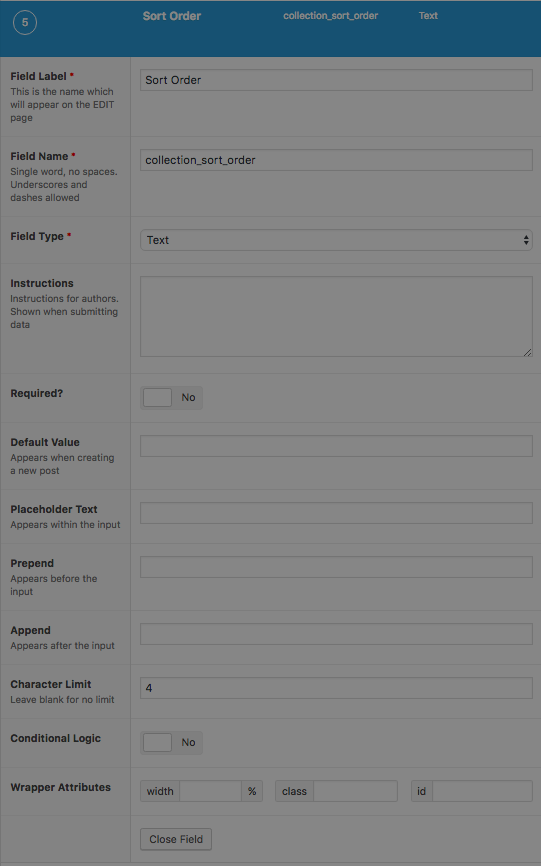
Related to your issue, I think the following is happening. Is it correct that your ACF text field is newer than the other ACF fields? Or to be more specifically are the old ACF fields created before 28 November 2016 (< V5.5.0) because this would explain why the new ACF text field is not displayed in the custom field dropdown, because it is not stored anymore in the options table.
I hope this explanation explains the issue. Sorting and filtering is currently not supported for Taxonomies but this feature in on our roadmap. Unfortunately you can't use the custom field column to show the value for your new ACF field but you should be able to use the ACF column, I've seen this is your earlier screenshots.
This feature request describes the support of sorting, filtering for custom field and ACF column for taxonomy overviews
https://github.com/codepress/admin-columns-issues/issues/655